DigiCam Lab
v1.0 launching soon
A photo library that knows about your cameras.
DigiCam Lab is a desktop photo organizer for photographers with multiple cameras, built around the EXIF data your files already carry.
Cull, compare, import, and study your work camera by camera.
Local-first, no cloud lock-in, your files stay yours.
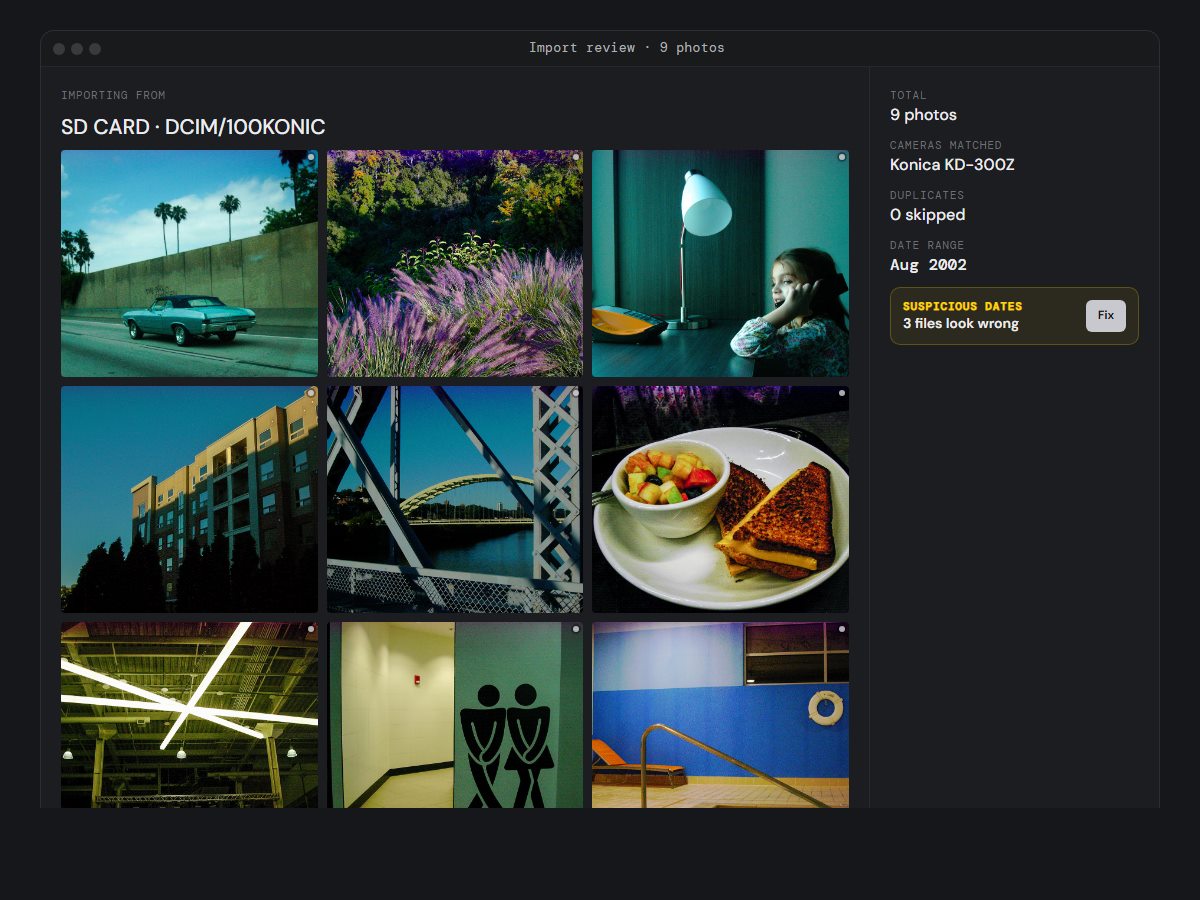
Import review · 9 photos
Importing from
SD CARD · DCIM/100KONIC
Total9 photos
Cameras matchedKonica KD-300Z
Duplicates0 skipped
Date rangeAug 2002
Suspicious dates3 files look wrong
Fix
01 / Smart importing
Knows what you've already imported
Auto-matches cameras, flags duplicates by content fingerprint, surfaces date ranges, and tells you what's about to land before it lands. Drop an SD card and review the diff.
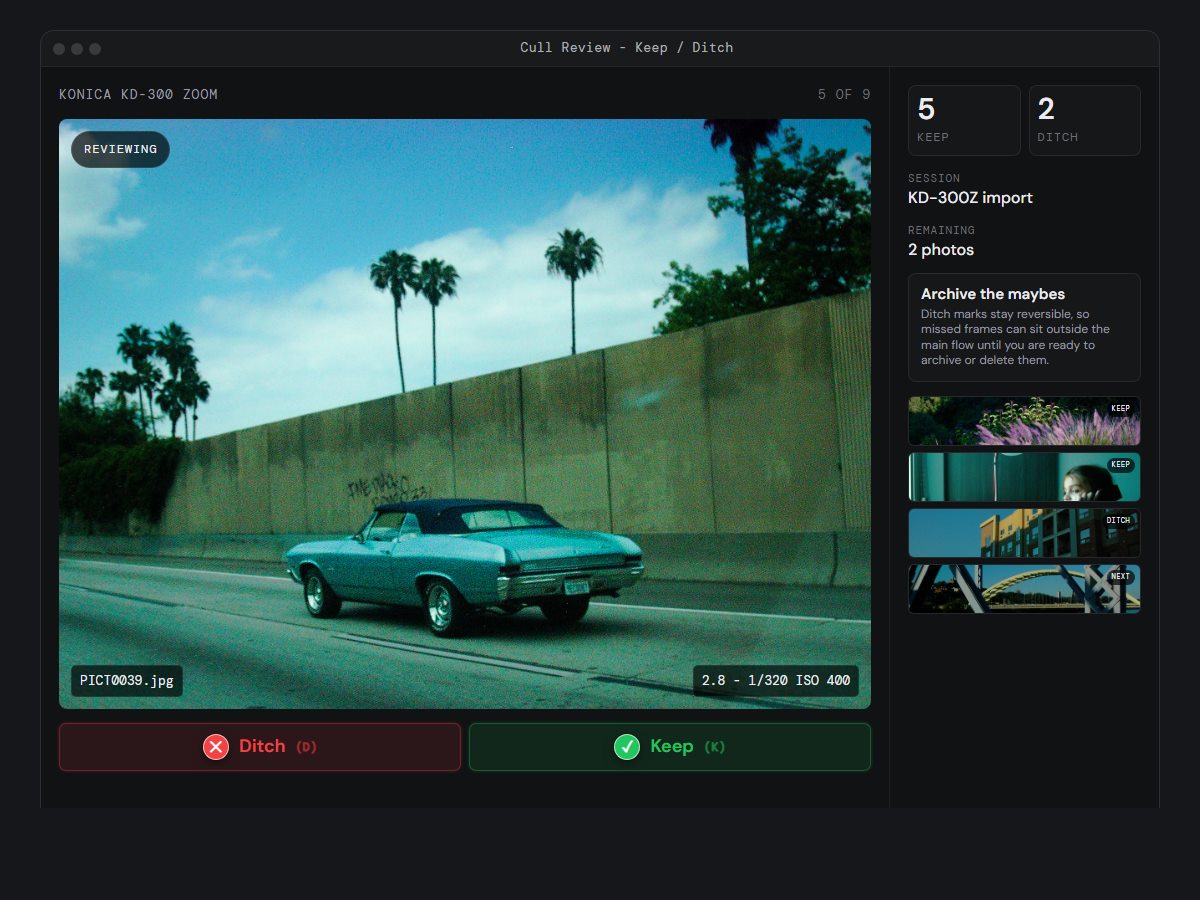
Cull Review - Keep / Ditch
Konica KD-300 Zoom5 of 9
Reviewing
PICT1363.jpgISO 100 - 1/250
SessionKD-300Z import
Remaining2 photos
Archive the maybesDitch marks stay reversible, so missed frames can sit outside the main flow until you are ready to archive or delete them.
02 / Keep or ditch
Cull fast before the library gets noisy
Move through a fresh import one frame at a time. Mark the obvious keepers, ditch the misses, and keep the full set reversible so you can change your mind later without losing the original file.
Found Photo Library - Wide Grid
Your LibraryFound Library
Keep found photos out of your own library
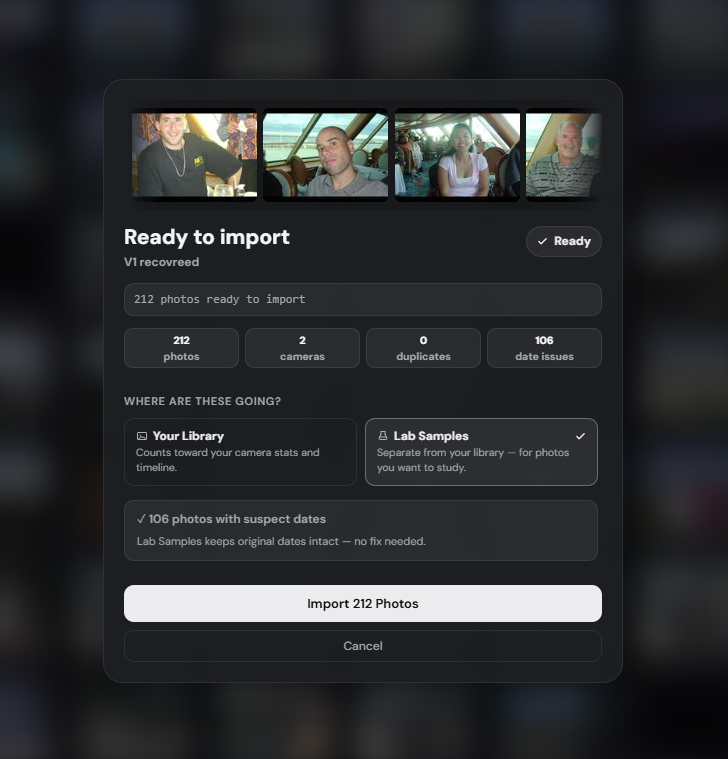
Import a mystery card, estate-sale folder, or camera full of someone else's frames without mixing them into your personal work.
Source media
4 cameras detected
Cameras found
Minolta DiMAGE S304
10 files
03 / Found photos
A separate library for photos you discover
Found photos get their own lane. DigiCam Lab can filter mystery folders, old card dumps, and batch filenames during import, then route them into a separate found-photo library so they stay searchable without getting mixed into your own work.
Camera Library - 5 bodies
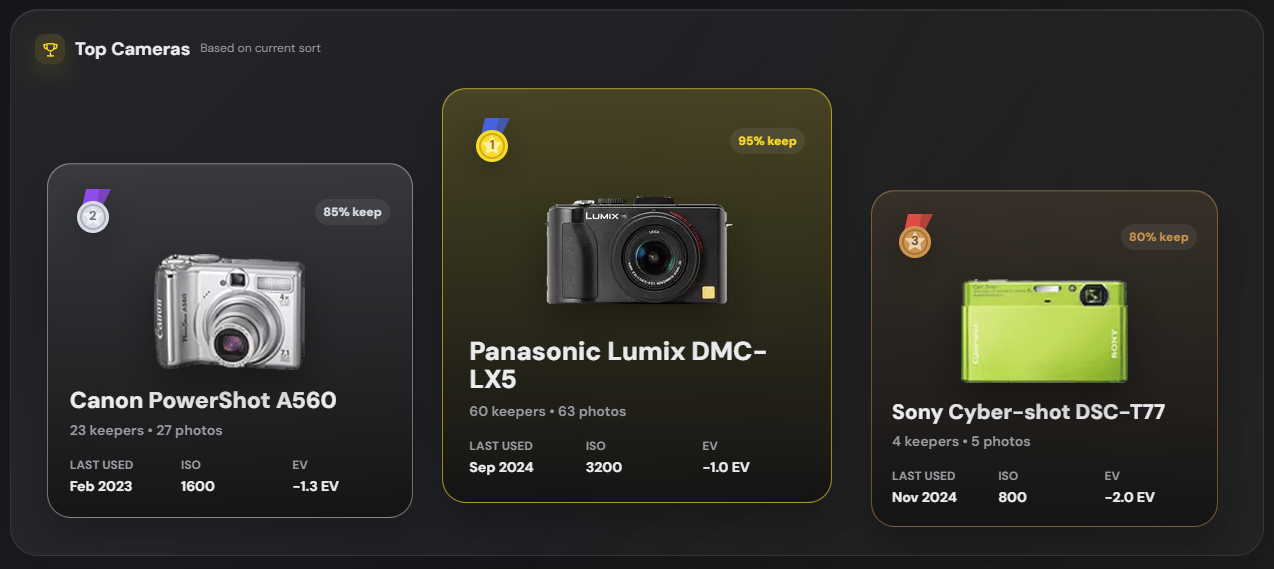
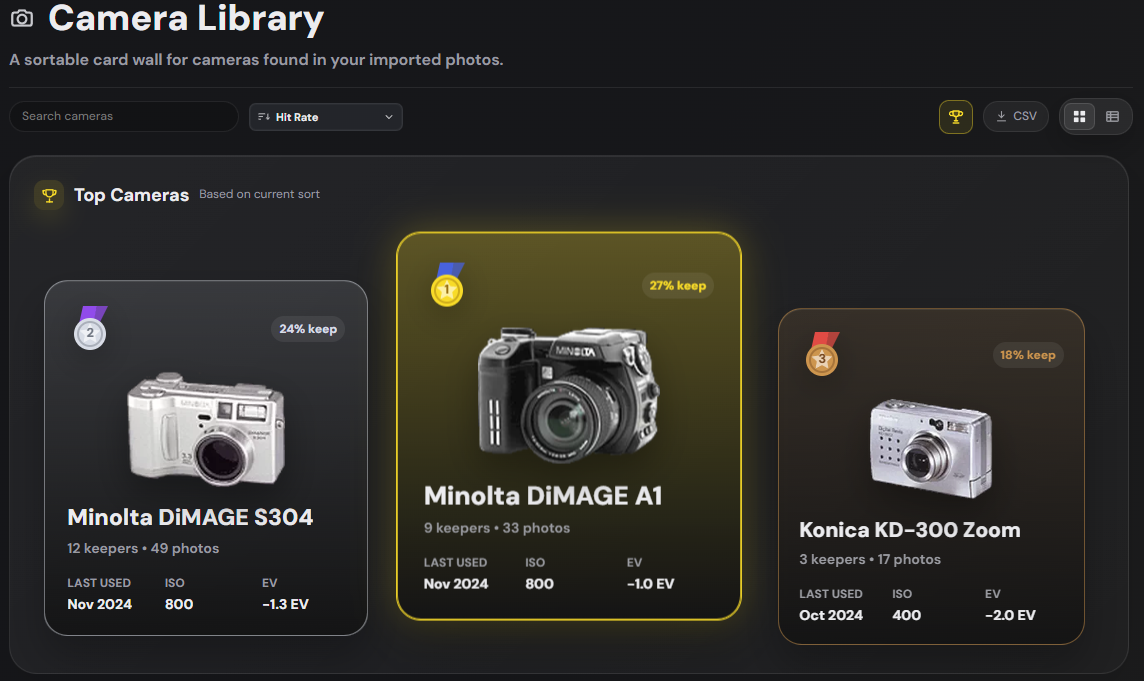
🏆Top CamerasBased on Hit Rate
🥈71% keep
Ricoh Caplio GX100
🥇78% keep
Minolta DiMAGE A1
🥉64% keep
Panasonic Lumix DMC-LC5
Konica KD-300 Zoom
2001 - 3 MP
Sensor1/1.8"
Kyocera Finecam SL400R
2004 - 4 MP
Sensor1/2.7"
Ricoh Caplio GX100
2007 - 10 MP
Sensor1/1.75"
Panasonic Lumix DMC-LC5
2001 - 4 MP
Sensor1/1.76"
04 / Camera library
Top three on the podium, the rest in the shelf
Every body in your library, ranked by hit rate, frame count, or whatever metric you're chasing this week. Click in for shot history, EXIF aggregations, and shareable camera cards.
Camera Library · Table
CameraPhotosKeepersHit %ISO rangeLast used
Minolta DiMAGE A19778%100-400PICT0088
Ricoh Caplio GX1009671%80-400R1011520
Panasonic Lumix DMC-LC59664%100-400P1030753
Konica KD-300Z9558%100-200PICT1458
Kyocera Finecam SL400R9552%100-400KIF_6488
05 / Spreadsheet view
Every body, sortable, side by side
When the card view feels like browsing, the table is for analysis. Sort by hit rate, frame count, ISO range, and last used. Copy individual rows, or export your whole library's camera stats as a CSV.
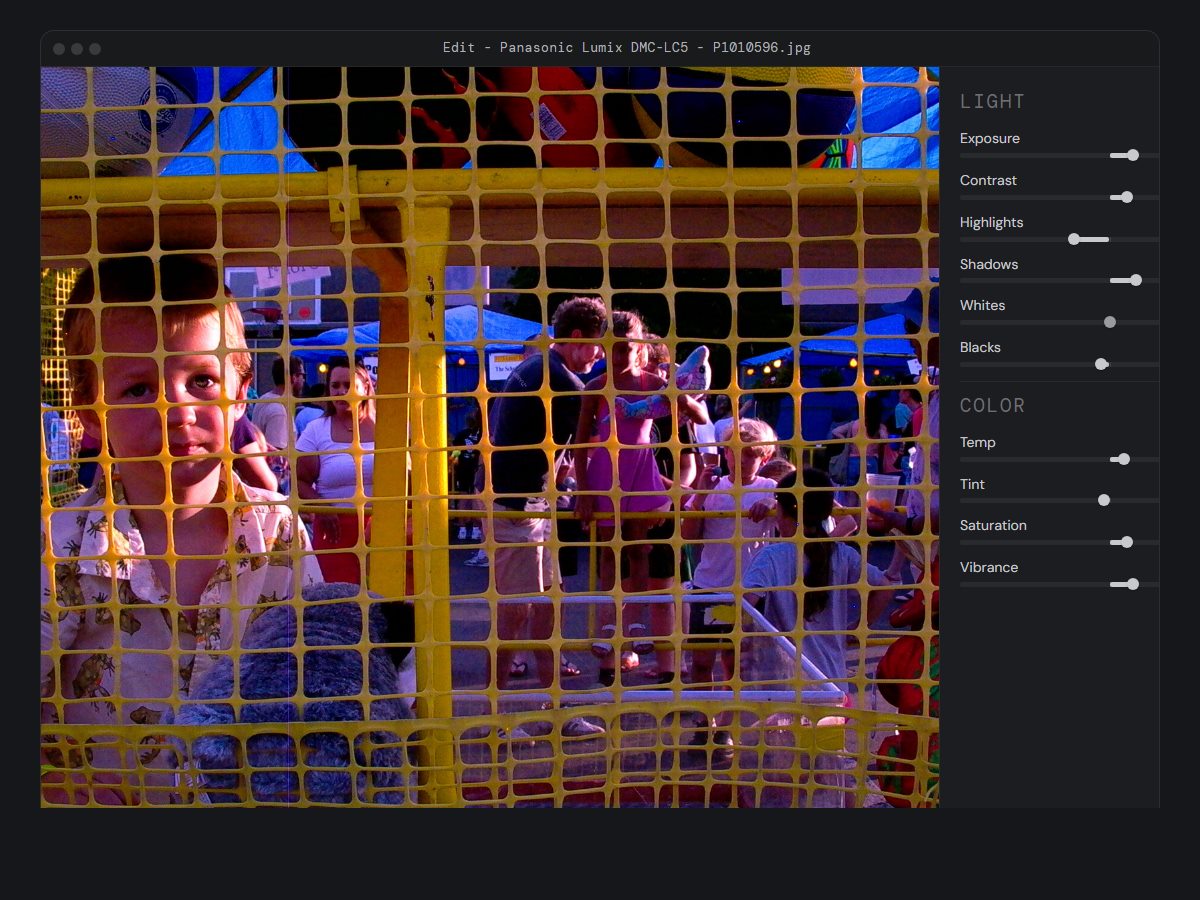
Edit - Panasonic Lumix DMC-LC5 - P1010596.jpg
06 / Basic editing
Small fixes, not a full darkroom
A basic editing pass for the photos that are close: lift a frame you underexposed on purpose, pull back a small miss, check what the noise is doing, and make light tone adjustments before export. Non-destructive, practical, and intentional.
Pixel Peep - Kyocera Finecam SL400R - KIF_6420.jpg
3x inspection
100% · 3x
07 / Pixel peep
Inspect at the pixel level
A loupe for the actual character of your files. Look at how each camera handles noise, color, and microcontrast at real pixel scale. Compare ISO behaviour across bodies without ever leaving the app.
Export - Ricoh Caplio GX100 - R1011261.jpg
SOOC
RICOH CAPLIO GX100
f/2.5 1/50 ISO 400
5.1mm - R1011261.jpg
Burn into image
EXIF stamp
Camera, settings, focal, date
SOOC badge
For unedited frames only
08 / Burn-in EXIF & SOOC
Your shooting metadata, baked in
Stamp camera, focal length, aperture, shutter and ISO into the corner on export, readable on any platform that strips EXIF. SOOC badge for unedited frames so your audience knows what came out of the body.
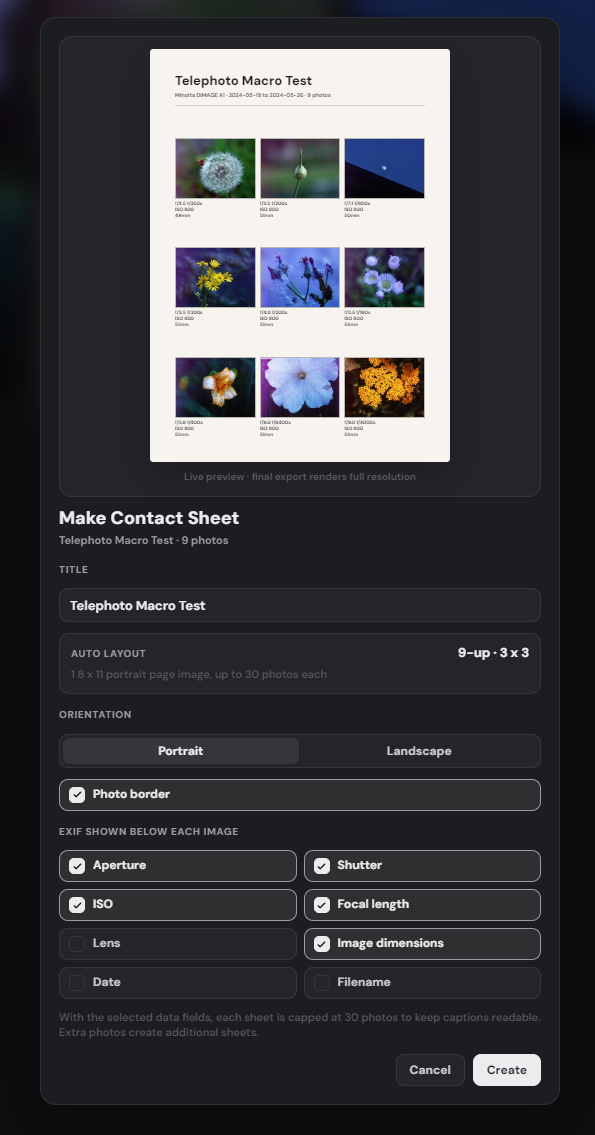
Contact Sheet - DiMAGE A1 Telephoto Macro Test
DiMAGE A1 Telephoto Macro Test
Minolta DiMAGE A1 - 9 photos
200mm eq - ISO 800 - tele macro
195mm eq - ISO 800 - tele macro
200mm eq - ISO 800 - tele macro
199mm eq - ISO 800 - tele macro
200mm eq - ISO 800 - tele macro
09 / Contact sheets
Every set, one printable page
Generate a one-page summary of any image set, with shooting metadata under every frame - not filenames. The contact sheet itself rides into your set as a photo, so it ships with the originals to Apple Photos, Drive, or your printer.