 DigiCam Lab
v1.0 launching soon
DigiCam Lab
v1.0 launching soon
A photo library that knows all about your cameras.
DigiCam Lab is a desktop photo organizer where every shot stays tied to the body that took it. Built around EXIF data, local-first, and ready to back up to your cloud of choice. Burn EXIF data directly into images when you want it visible outside the app.
For pixel peepers, camera collectors, and EXIF obsessives.
Get early access
No newsletter - one email when 1.0 ships
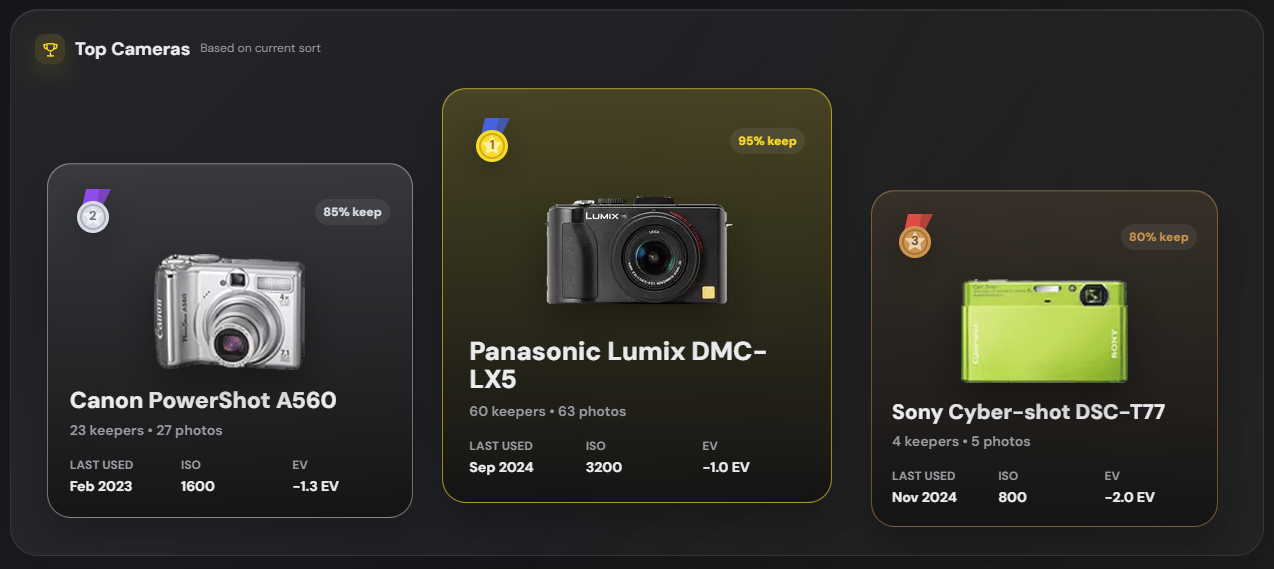
Camera-aware
Stats and hero cards stay tied to the body that shot them.
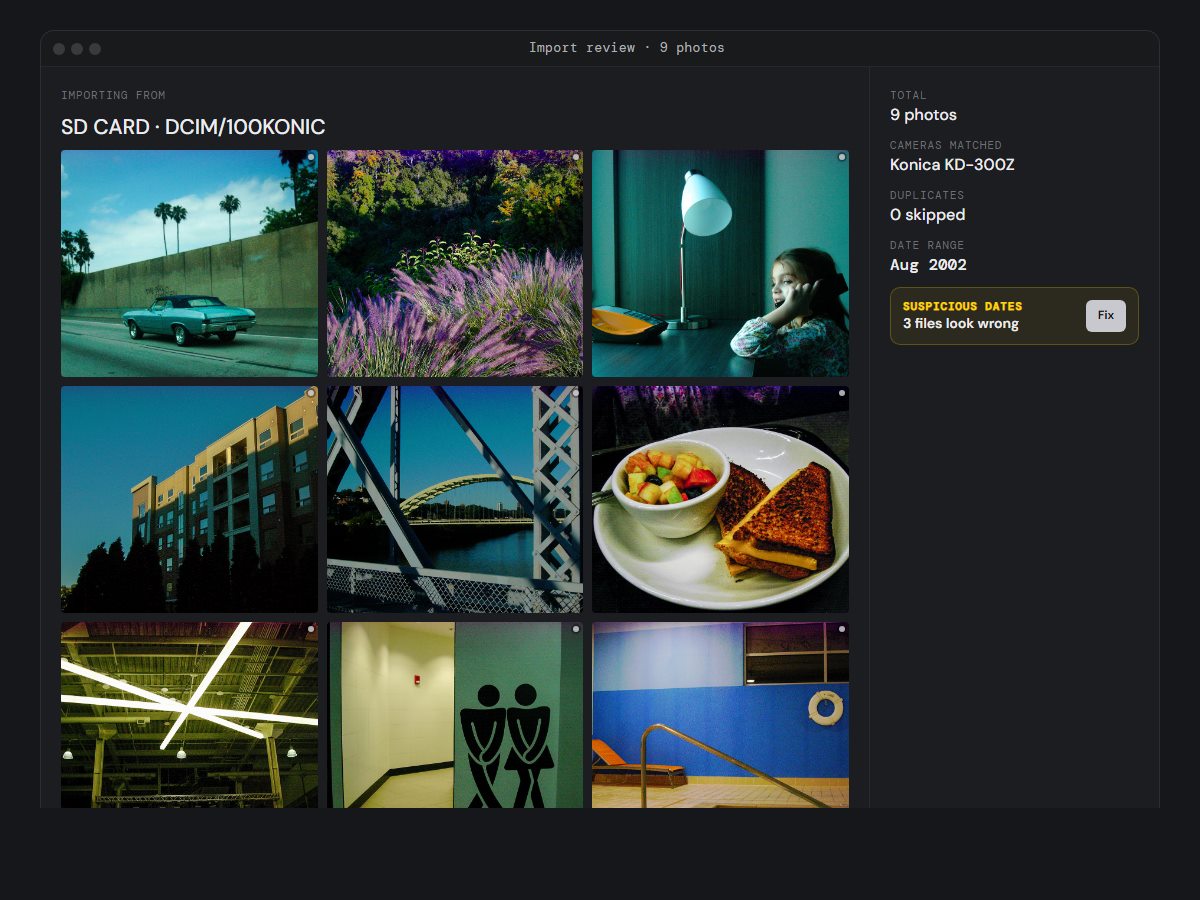
Smart import
Catch duplicates, missing dates, and messy camera clocks before they land.
EXIF burn-ins
Export photos with camera data visible on the frame.
Local-first
Your files stay yours, backed up wherever you choose.
EXIF burn-in
Export shots with their story baked in
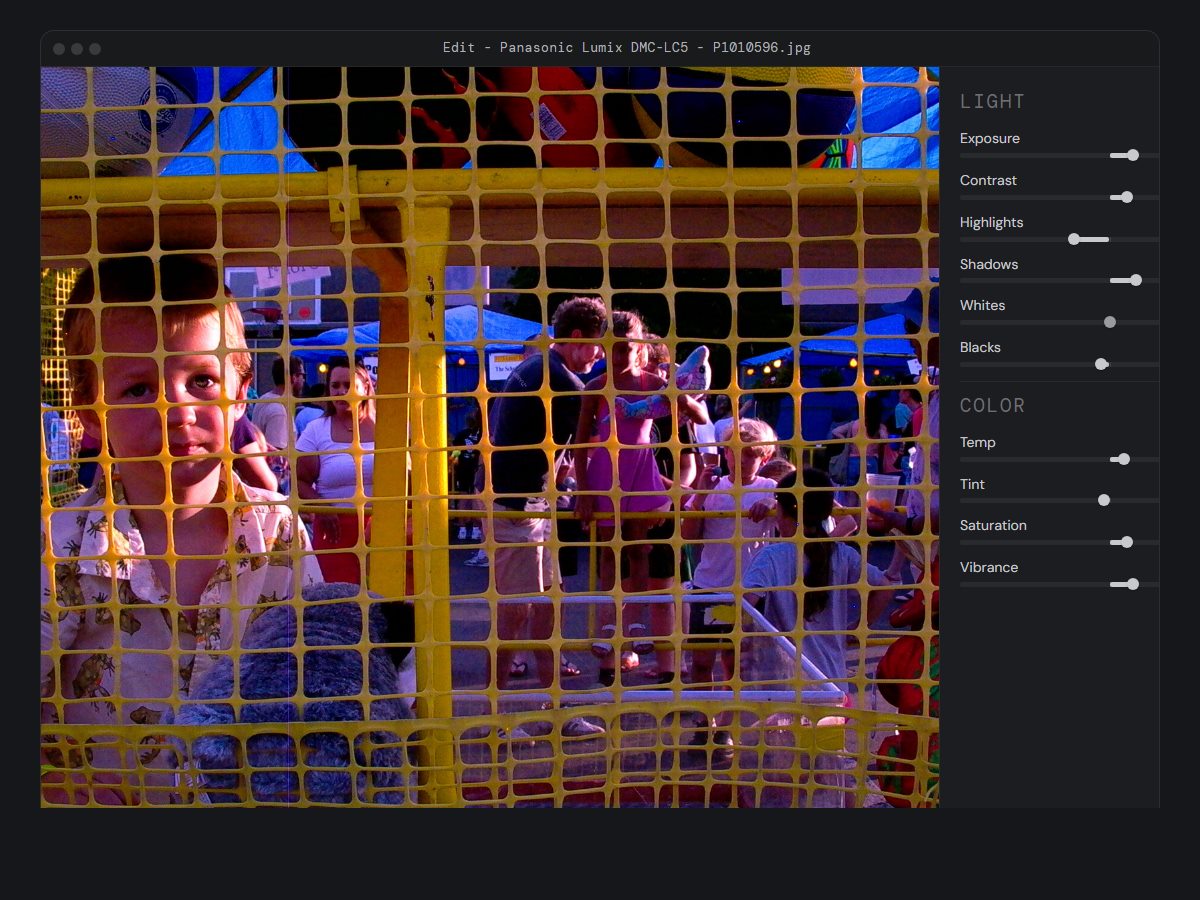
Choose which fields appear — camera body, shutter speed, ISO, focal length, SOOC status, and your own notes. Export in one click; the stamp is baked into the pixels and travels with the image. Use the arrows to browse the export window and real samples, or click to view full size.
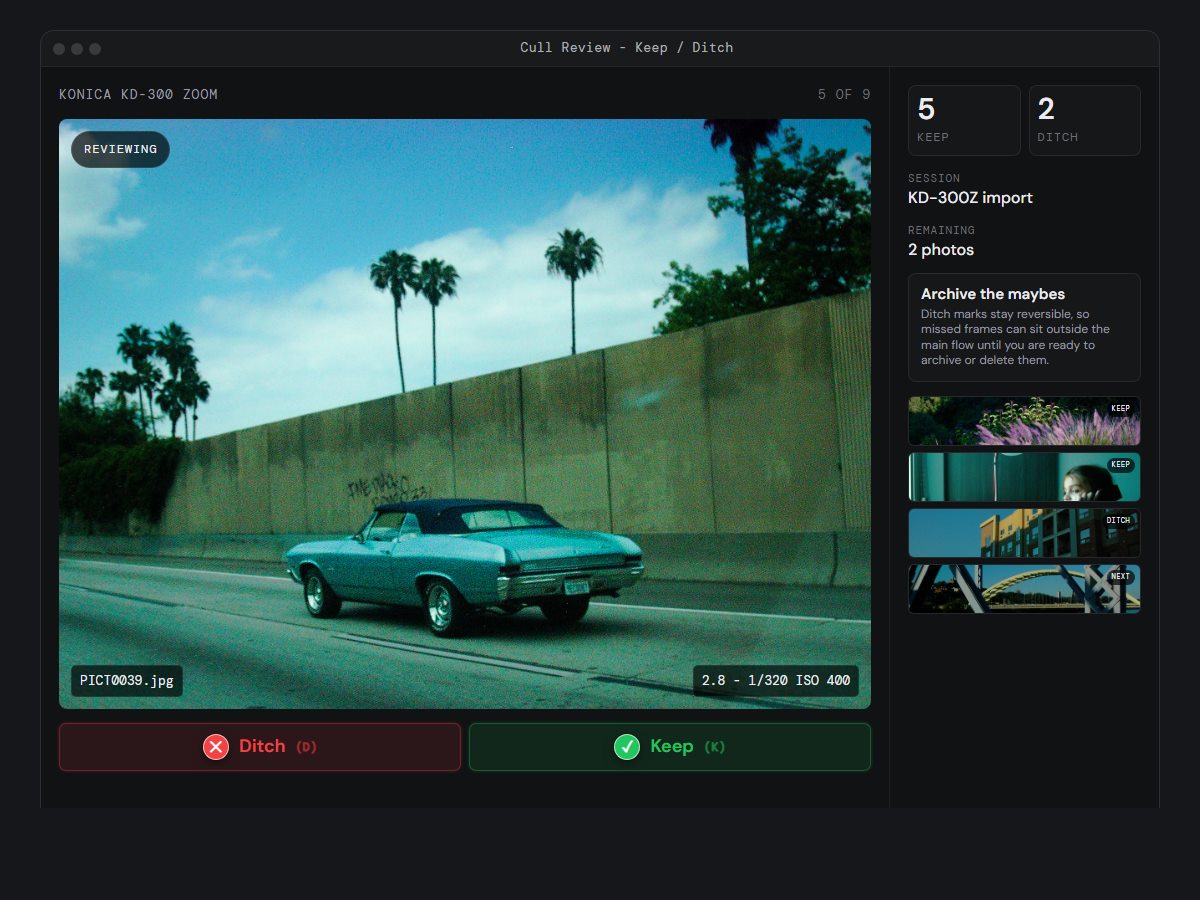
The workflow
Import, cull, and ship without losing the thread.
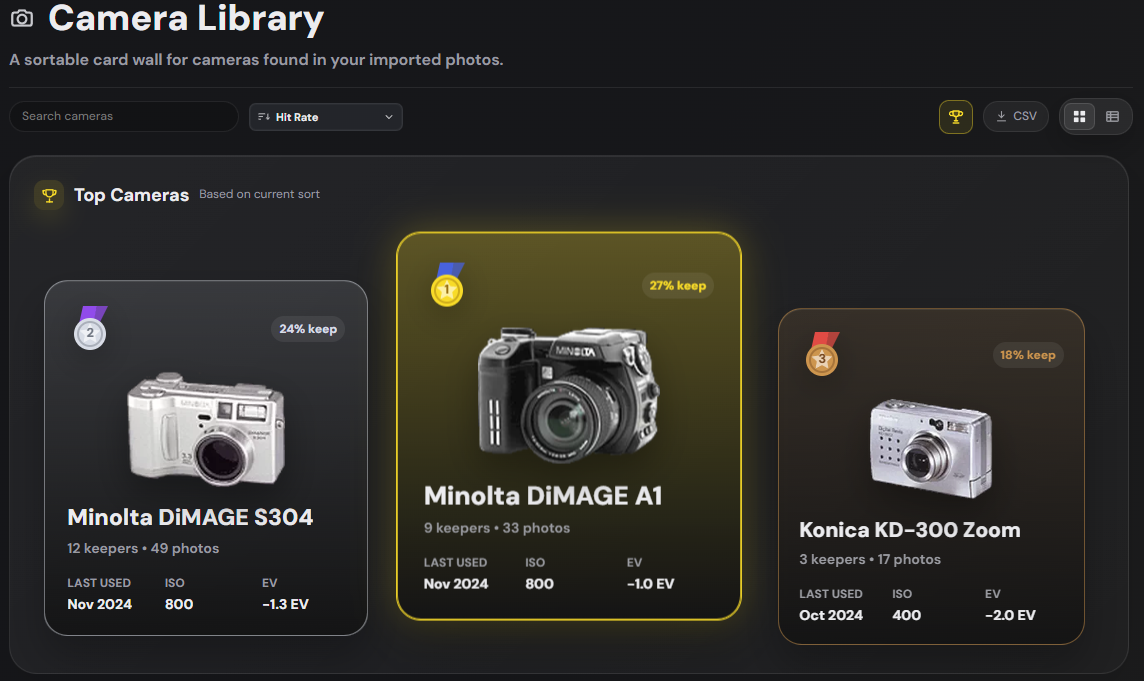
Camera library
Top three on the podium, the rest in the shelf
Every body in your library, ranked by hit rate, frame count, or whatever metric you're chasing this week. Click in for shot history, EXIF aggregations, and shareable camera cards. Export the full list as a CSV whenever you need it.
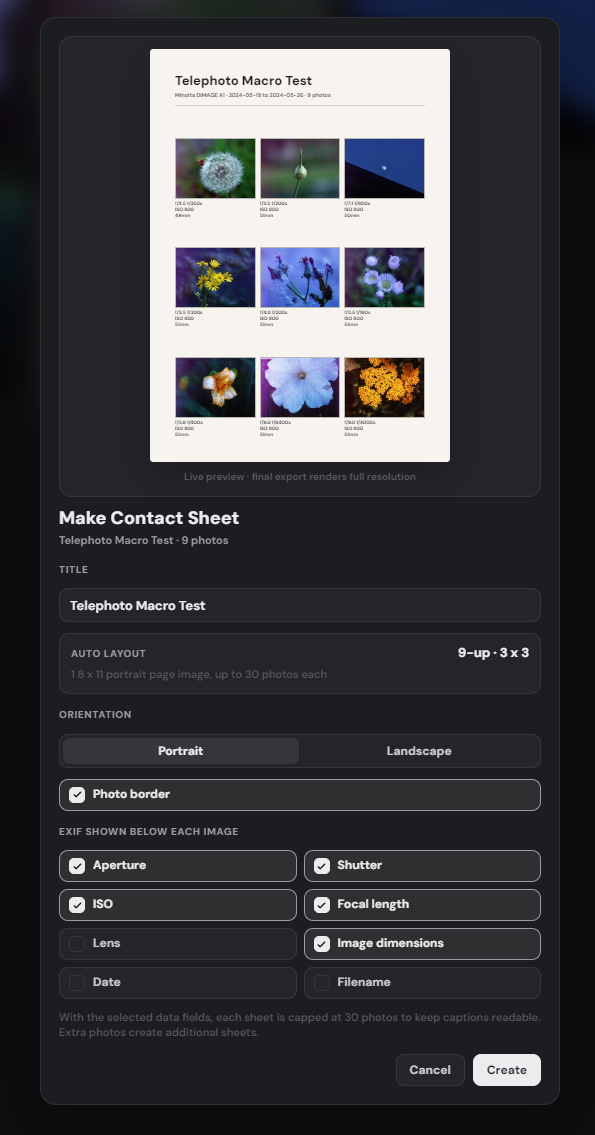
Contact sheets
Every set, one printable page
Generate a one-page summary of any image set, with shooting metadata under every frame. The contact sheet rides into your set as a photo, so it ships with the originals to your photo library, cloud drive, or printer.
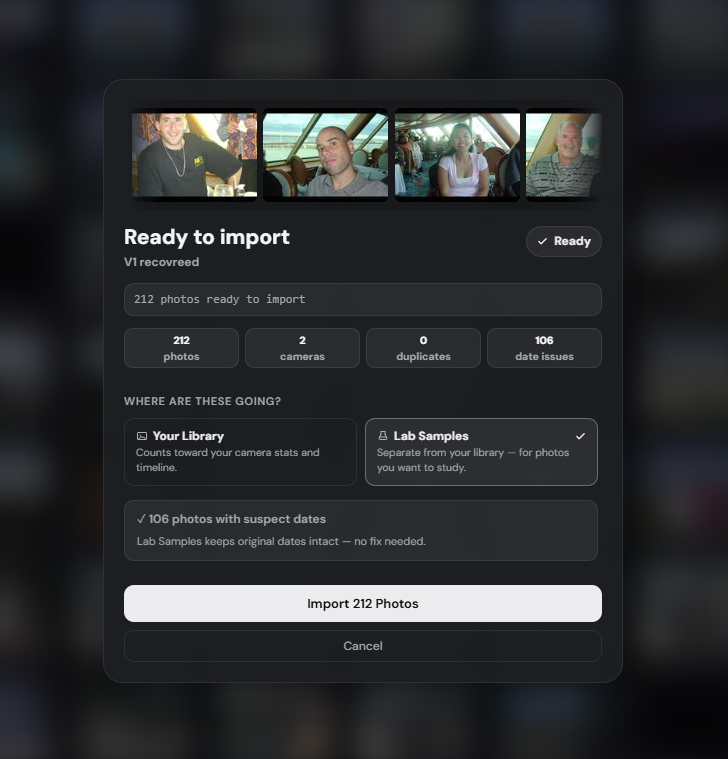
Lab Samples
Study shots that don't belong in your library
A dedicated space for recovered memory cards, inherited photos, and reference images — anything you want to keep and study without mixing into your personal work. Lab Samples tracks its own camera and photo counts, so your stats stay completely separate.
Get the first build
Join the other gear lovers on the list — we'll send the 1.0 launch note the moment it's ready.
No tracking pixels. Unsubscribe never needed — you'll get exactly one email when 1.0 ships.